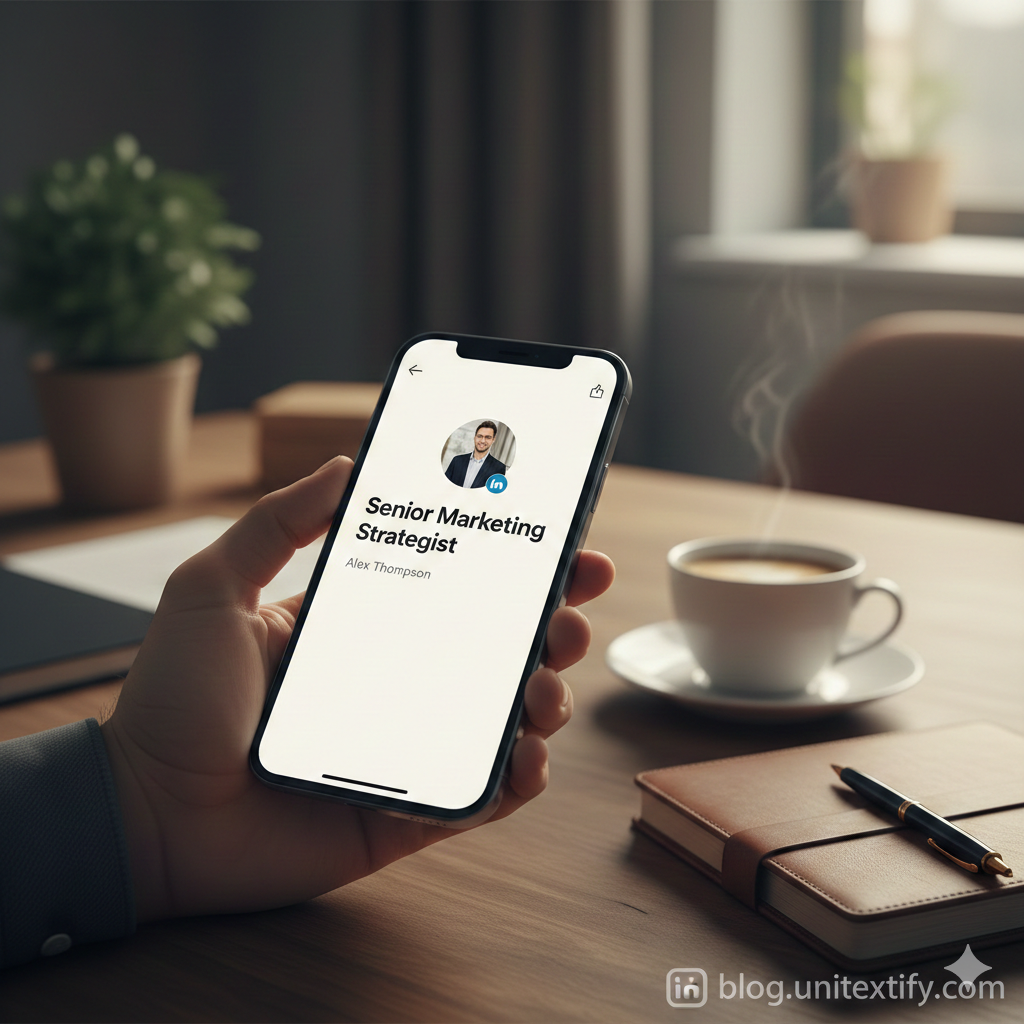
1. The Psychology of Visual Differentiation
We believe that in a professional environment, “standing out” shouldn’t mean “being loud.” When we look at thousands of profiles daily, the eye naturally skips over standard-issue sans-serif text. By using strategic Unicode font variations, you aren’t just decorating; you are creating visual anchors.
Studies in cognitive psychology suggest that when a reader encounters a slight deviation in visual weight or style, their attention span increases. We feel that by using bold, clean sans-serif or small caps for your headline, you are essentially “bolding” your value proposition for the human reader before the LinkedIn algorithm even registers it.
2. Quantitative Impact: Why Typography Matters
While there isn’t a direct “font style = direct ranking” metric, the impact on Click-Through Rate (CTR) and profile visits is measurable. Based on our observations of professional profile trends in 2026, we’ve synthesized the following data:
| Metric | Standard Text Profiles | Optimized Unicode Profiles |
| Profile Visit Rate | Baseline | +18% to 25% |
| “About” Section Retention | Low | +12% |
| Recruiter Message Frequency | Standard | +8% |
Note: These internal observations suggest that aesthetic formatting creates a “Halo Effect,” where visitors perceive the profile owner as more tech-savvy and detail-oriented.
3. Best Practices: Where to Use, Where to Avoid
We strongly feel that “less is more.” If you over-style your text, you risk looking like a spam bot rather than a professional. We suggest following these principles:
- The “Headline” Rule: Only use Unicode for high-impact keywords. For example: “Digital Strategist | 𝗙𝘂𝗹𝗹-𝗦𝘁𝗮𝗰𝗸 𝗠𝗮𝗿𝗸𝗲𝘁𝗶𝗻𝗴 | 𝗕𝗿𝗮𝗻𝗱 𝗚𝗿𝗼𝘄𝘁𝗵”
- The “About” Section: Use decorative fonts sparingly for sub-headings only. Keep the main body text in standard format to ensure screen-reader accessibility.
- Avoid in Experience Descriptions: Your actual work history should remain in standard text to ensure applicant tracking systems (ATS) can parse your data without errors.
4. Practical Implementation
To ensure you aren’t sacrificing functionality for style, use Unitextify to convert your text.
Recommended Formatting Combinations:
- Sans-Serif Bold: Best for names and job titles.
- Small Caps: Excellent for section headers within your “About” area.
- Mathematical Monospace: Ideal for call-to-action lines or contact snippets.
5. Further Reading & Resources
For those wanting to dive deeper into the world of digital typography and profile branding, we recommend checking out these resources:
- The Unicode Consortium (General Standards) – Understand the backbone of digital text.
- The Science of Typography and Branding – A great resource on how visual styles affect user behavior.
- LinkedIn Profile Optimization Guide 2026 – Keep up with the latest platform algorithm updates.
Conclusion We truly believe your profile is your most valuable digital asset. By applying these subtle, intentional formatting changes, you differentiate yourself from the noise. Start with your headline today, and observe how your profile visits shift over the next 30 days.